 Try Odoo
Open the boodmo app or visit boodmo.com and follow the below procedure:
Using Website:
- "Sign In" to your boodmo account
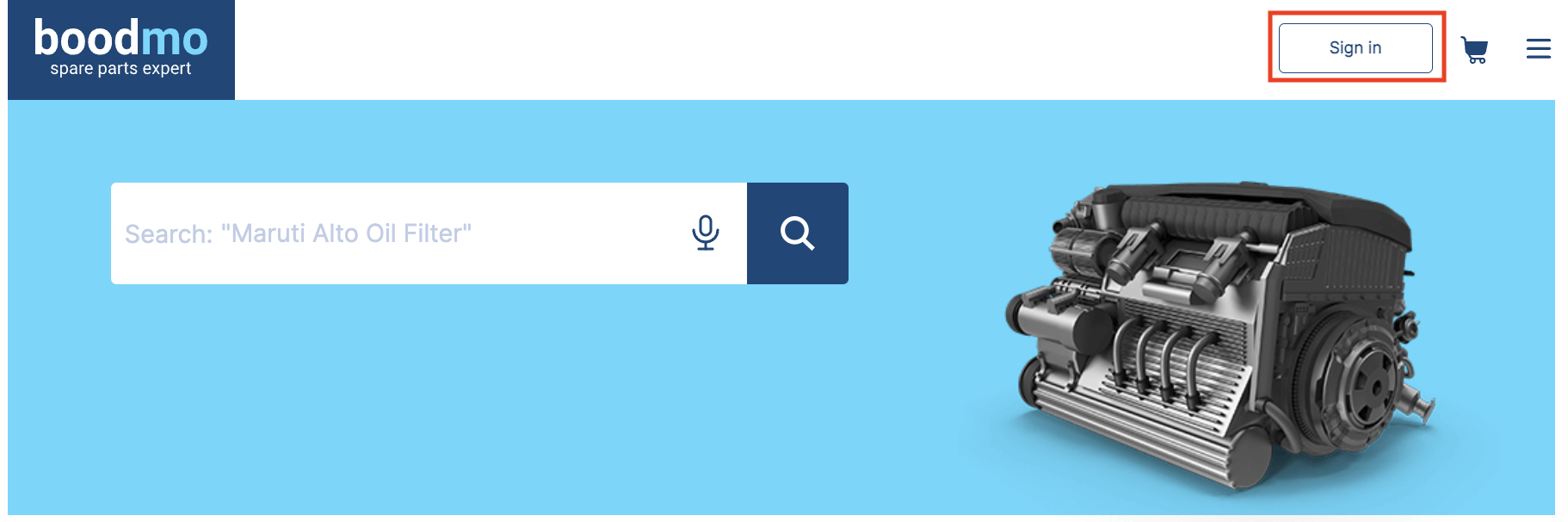
- Go to "My Account" and click on "My Documents"

- Find the relevant order number and click on "Download"

Note: If you are registered as "Business with GST", you can download the GST invoice by following the same procedure mentioned above.
Using Application:
- Click the menu icon (three lines) on the top left corner of the application and click on "Sign In"
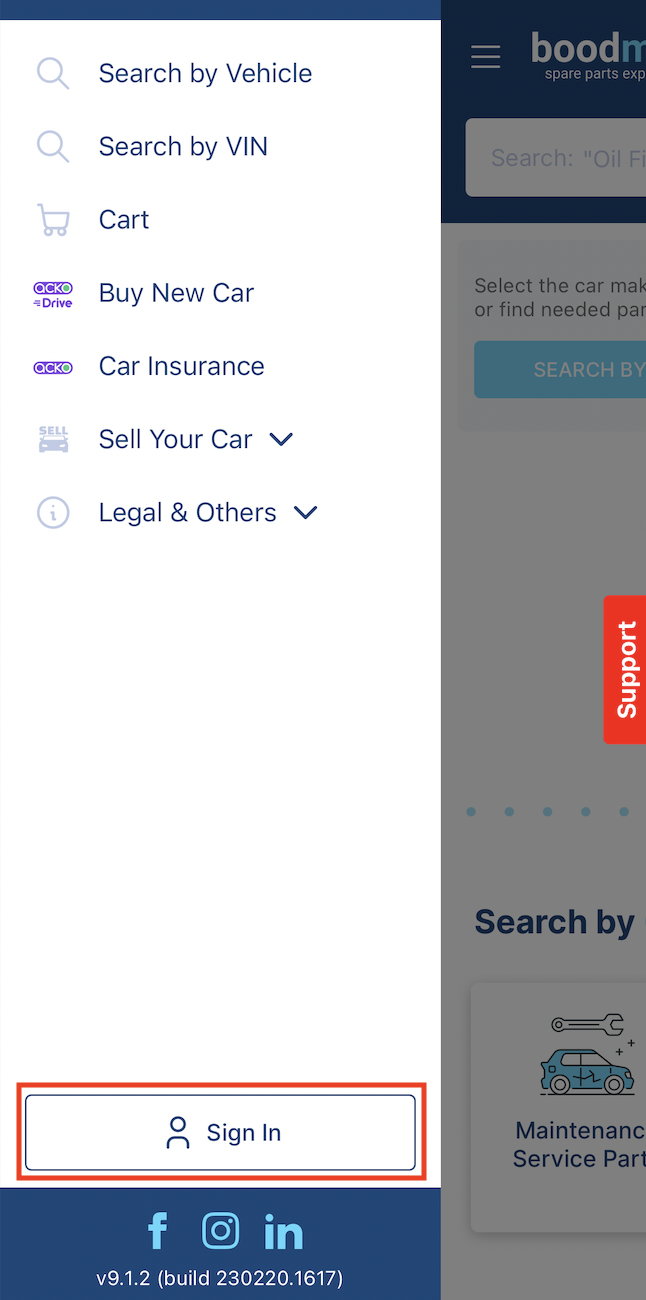
- Go to "My Documents"

- Find the relevant order number and click on the "Download icon"

Note: If you are registered as "Business with GST", you can download the GST invoice by following the same procedure mentioned above.
For any assistance, click the Support option on our website/app to connect with our team.